


Admin eats your week
Training teams spend 20+ hours a week on admin like enrolling and chasing.
Admin runs itself
Auto-enrollment and reminders give you up to 20 hours back every month.

CapabilitiesManage, engage, create, grow and prove
 Learning Management System (LMS)Manage and automate all your training
 Learning Experience Platform (LXP)TikTok-style learning, in-built content
 AI StudioTurn any document into training
 Skills-based trainingMap skills, track competency and close gaps
 Reporting & InsightsAudit-ready proof of completion and skill
Platform overview
One platform. Five capabilities. One AI intelligence layer.
 Compliance TrainingNever miss a regulation
 Leadership & Soft SkillsTurn high performers into multipliers
 Onboarding & Role-based TrainingAccelerate team ramp-up
 AI & Gen AI TrainingFuture-proof your workforce with AI skills
 Health & Safety TrainingTurn near misses into safer habits
 Sales & CS EnablementTraining that drives revenue
Solutions overview
Training for every team, finished in 5 minutes a day.
Build, assign, and track all your training in one place, and get up to 20 hours of admin back every month.
 4.6
4.6
 4.7
4.7
Most platforms add work instead of taking it away.Here's what changes when 5Mins AI does the heavy lifting.
See what this looks like with 5Mins AISwitch back to compare with the old way
Training teams spend 20+ hours a week on admin like enrolling and chasing.
Auto-enrollment and reminders give you up to 20 hours back every month.
Long, desktop-only modules rarely engage more than 20% of people.
TikTok-style microlessons drive 80% monthly engagement.
Slides, spreadsheets, and inboxes. When an auditor asks, it takes days.
Courses, records, and certificates in one LMS, with audit-ready reports in one click.
Trusted by 1,000+ teams in 80+ countries












Start with 5,000+ expert-built micro courses and 20,000+ microlessons across 19 business functions, then assign them in a few clicks.
 500+ accredited micro courses
Policies and regulations, made bite-sized and audit-ready.

Coach, lead and grow confident managers.
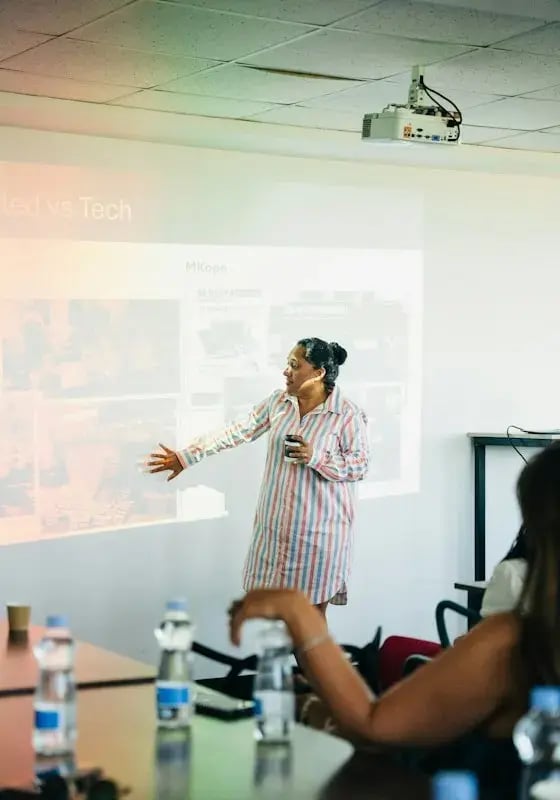
Prospect, pitch and close with confidence.

Build confident, responsible AI skills in every team.
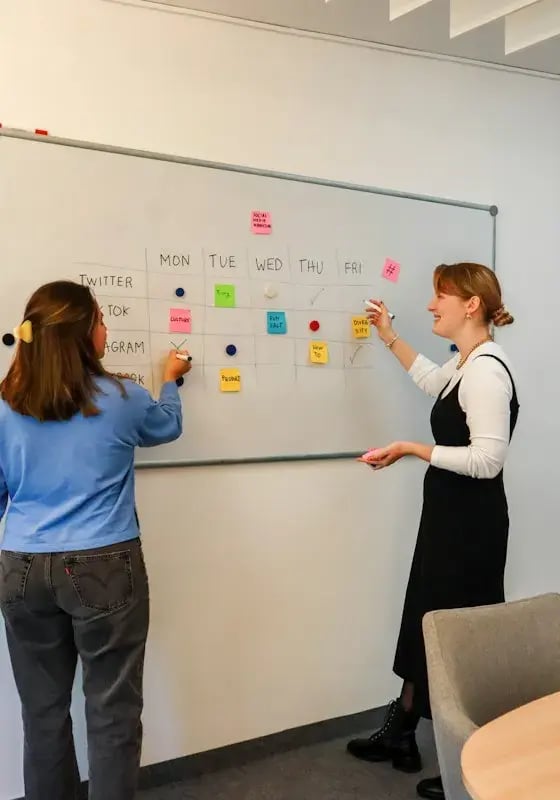
Discover, build and launch better products.

Drive adoption, retention and renewals.
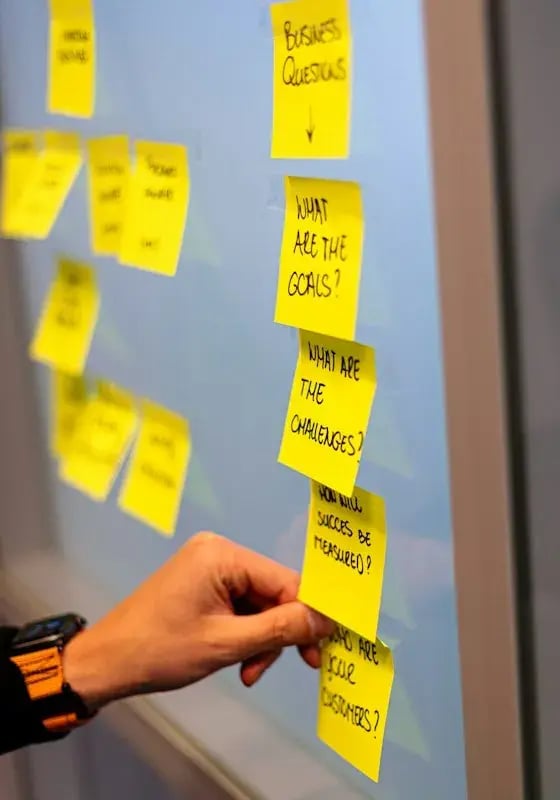
Plan smarter and run tighter operations.

Turn every interaction into a great experience.

Handle every call with skill and empathy.

Budgets, reporting and financial know-how.

Build partnerships that grow revenue.

Spark ideas and sharpen your creative craft.

Build, ship and collaborate better.

Keep systems, networks and data secure.

Connect sales, marketing and success data.

Keep the day-to-day running smoothly.

Move goods efficiently, end to end.

Hire, develop and support great teams.

Plan, launch and measure campaigns that work.
Use the arrows to explore all 19 categories
"Now we cover one compliance topic a month, and I can see exactly what people are retaining."
/lucy-wyborn-icab.webp?width=44&height=44&name=lucy-wyborn-icab.webp) Lucy WybornDirector of Learning and Development, ICAB
Lucy WybornDirector of Learning and Development, ICAB
Real-world scenarios that check people can apply what they learned, created with AI or by hand.
Automate role-based training programs, with due dates relative to each person's start.
Create in-person events at a physical location, or online events with Zoom, Google Meet, or Microsoft Teams as your conferencing tool.
Organize everyone into teams and cohorts, with custom fields for filtering and reports.
See who's complete, at risk, or overdue across every compliance course.
Microlessons in a full-screen feed, with points, streaks, and leaderboards.
"The most important change is that people actually enjoy training. Nobody's being dragged kicking and screaming to complete training anymore, and that's a massive win for us."
/gary-stevens-mb-design.webp?width=44&height=44&name=gary-stevens-mb-design.webp) Gary StevensHR Manager, MBD
Gary StevensHR Manager, MBD/mb-design-logo.webp?width=111&height=40&name=mb-design-logo.webp)

staff on fully automated compliance refreshers
Our reporting sits in one place across every business unit, and courses repeat automatically every 12 months. Compliance training has gone from a tick-box exercise to something that supports understanding and accountability.
/carol-wraight-delamode-group.webp?width=46&height=46&name=carol-wraight-delamode-group.webp)

less time per training session
We used to need two or three platforms to cover compliance. Now everything sits on one platform, in bite-sized lessons, at the touch of a button, and the admin behind it has dropped significantly.
/peta-smallman-student-cribs.webp?width=46&height=46&name=peta-smallman-student-cribs.webp)

shorter training on key courses, with cyber security cut from almost an hour to 25 minutes
When a new starter joins, I add them and the right training is assigned by department and role. Monthly reports go straight to department leads, so I no longer chase people individually.
/cassidy-banks-loqbox.webp?width=46&height=46&name=cassidy-banks-loqbox.webp)

courses built in-house by trainers and the risk and compliance team, using AI Studio
Since go-live, our compliance completion and pass rates are 100%, and it's the quickest we've ever got there. Automated reminders and reporting save us about a day per course.
/laura-chappell-collingwood.webp?width=46&height=46&name=laura-chappell-collingwood.webp) 4.6
4.6
 4.7
4.7


Pull any course into compliance reports
Full history, including external training
Who changed what, and when
Run existing SCORM courses
Calendar scheduling, Zoom and Teams sync, and hybrid session tracking
Publish in every language at once
Your logo, colors, and categories
100+ HRIS, SSO, SCIM, Slack, and Teams
A learning management system (LMS) is software for creating, assigning, delivering, and tracking training in one place. 5Mins is an AI-powered LMS that delivers training as TikTok-style microlessons, so people actually enjoy it.
Both, in one platform. The LMS handles courses, enrollment, events, and compliance tracking. The learning experience gives people a TikTok-style feed, AI recommendations, and gamification.
Yes. Upload video, audio, PDF, Word, PowerPoint, and Excel files, add links, and import SCORM packages, then mix them with 5Mins microlessons in any course.
Yes. Bring your SCORM courses, add people by CSV or HRIS, and log past training in Learning Records. Delamode and Student Cribs both switched from older platforms.
Flag a course as compliance and it appears in your dashboard and learning records, showing who is complete, at risk, or overdue. Add certificates, e-signatures, and pass scores, and export reports for audits.
Yes. Staff log in with their mobile number and a company access code, on the iOS and Android apps or in a browser.
Start a free trial today with no credit card. Paid plans are Essentials, Advance, and Accelerate, priced by number of users. See the pricing page for details.
 All-in-one
 Learning Experience Platform (LXP)
 AI Studio
 Skills-based training
 Reporting & Insights