Page 2
The golden rules
Keep it brief, focus on one idea per microlesson and add visuals wherever possible.

CapabilitiesManage, engage, create, grow and prove
 Learning Management System (LMS)Manage and automate all your training
 Learning Experience Platform (LXP)TikTok-style learning, in-built content
 AI StudioTurn any document into training
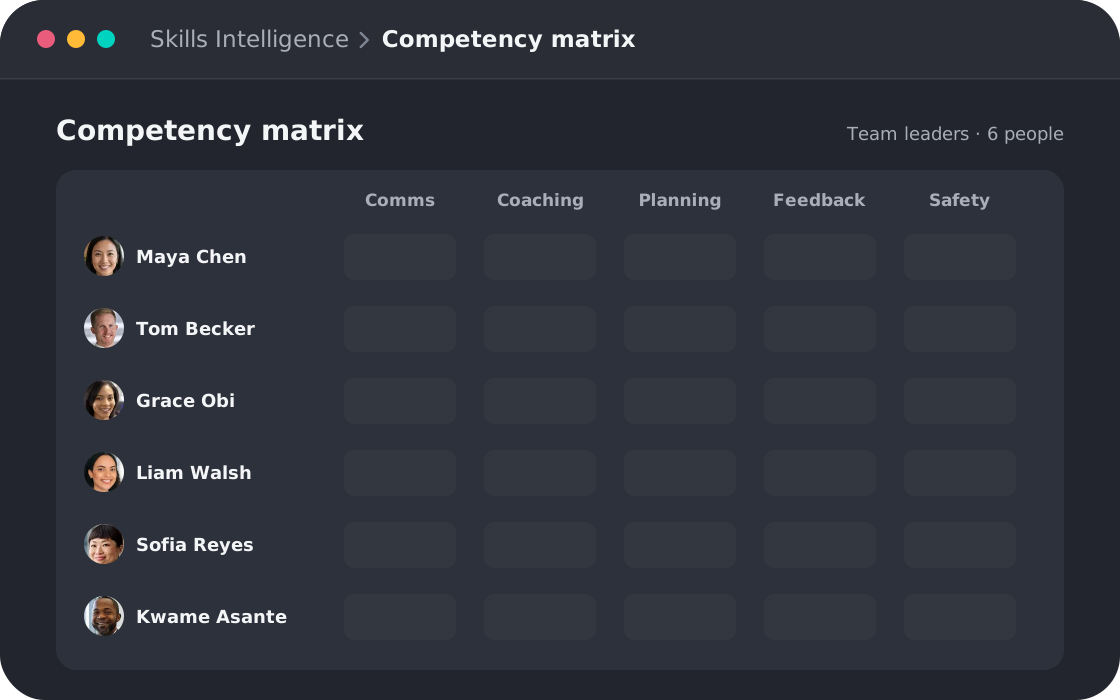
 Skills-based trainingMap skills, track competency and close gaps
 Reporting & InsightsAudit-ready proof of completion and skill
Platform overview
One platform. Five capabilities. One AI intelligence layer.
 Compliance TrainingNever miss a regulation
 Leadership & Soft SkillsTurn high performers into multipliers
 Onboarding & Role-based TrainingAccelerate team ramp-up
 AI & Gen AI TrainingFuture-proof your workforce with AI skills
 Health & Safety TrainingTurn near misses into safer habits
 Sales & CS EnablementTraining that drives revenue
Solutions overview
Training for every team, finished in 5 minutes a day.
Our step-by-step method for turning long training videos and documents into microlessons your people will actually finish. Written for anyone who creates training.
Tell us where to send it and the PDF opens straight away.
Thanks! The PDF should open in a new tab. If it doesn't, use the button below.
Download the PDFWe'll only use your details to send you this resource and related content. You can unsubscribe at any time. See our privacy policy.
Practical steps, before-and-after examples and AI prompts you can copy.
Page 2
Keep it brief, focus on one idea per microlesson and add visuals wherever possible.
Page 3
Before-and-after examples, plus a prompt to generate short, specific titles.
Page 4
Use the 80/20 rule, with an AI prompt, to pick out the core concepts.
Page 5
Cut intros and outros, review at 1.5-2x speed and remove repetition across videos.
Page 6
Turn your time stamps into individual microlessons and add a simple title slide to each.
Pages 6-7
Write a short script with AI, then create the video with an AI avatar or record it yourself.
Make it brief: 3 minutes tops for each microlesson.
LengthFocus on one idea per microlesson.
FocusKeep the 20% of material that delivers 80% of the knowledge.
ContentAdd visuals wherever possible, from slides to title cards.
FormatA good title removes the need for an intro.The 5Mins Bite-sizing Guide
5Mins AI Studio turns your policies and documents into video microlessons with quizzes, ready to assign. Free access needs no credit card.